 Sitebook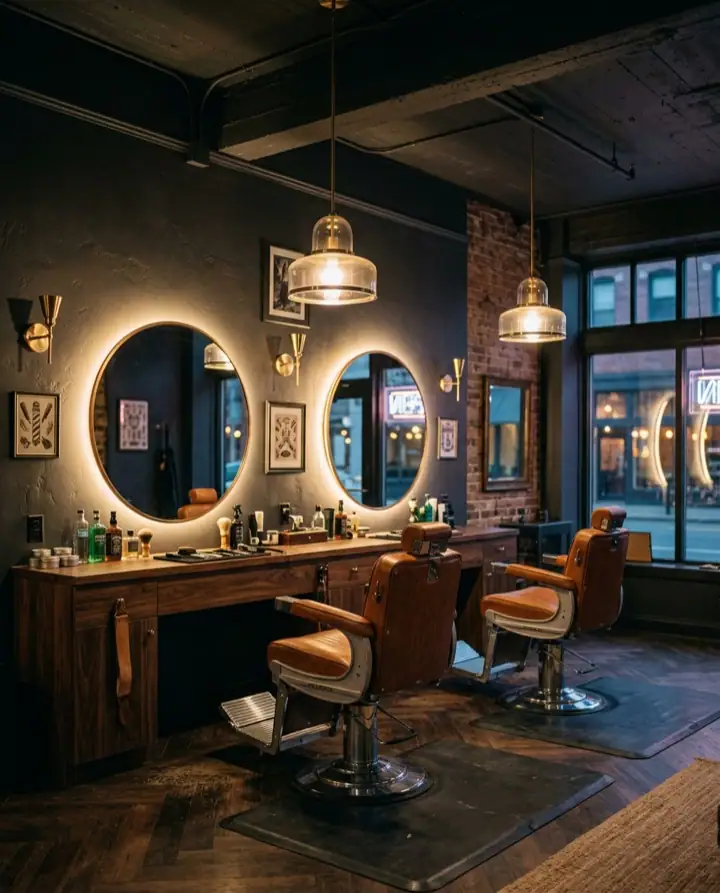




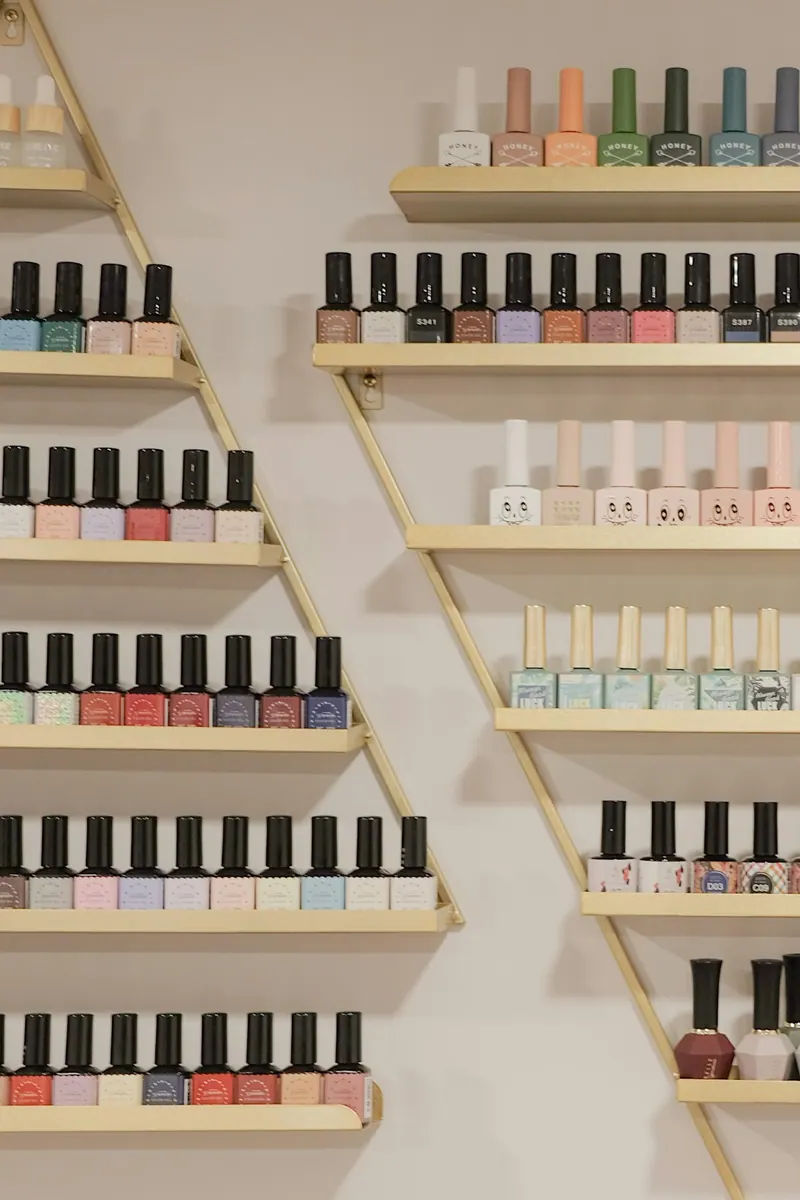
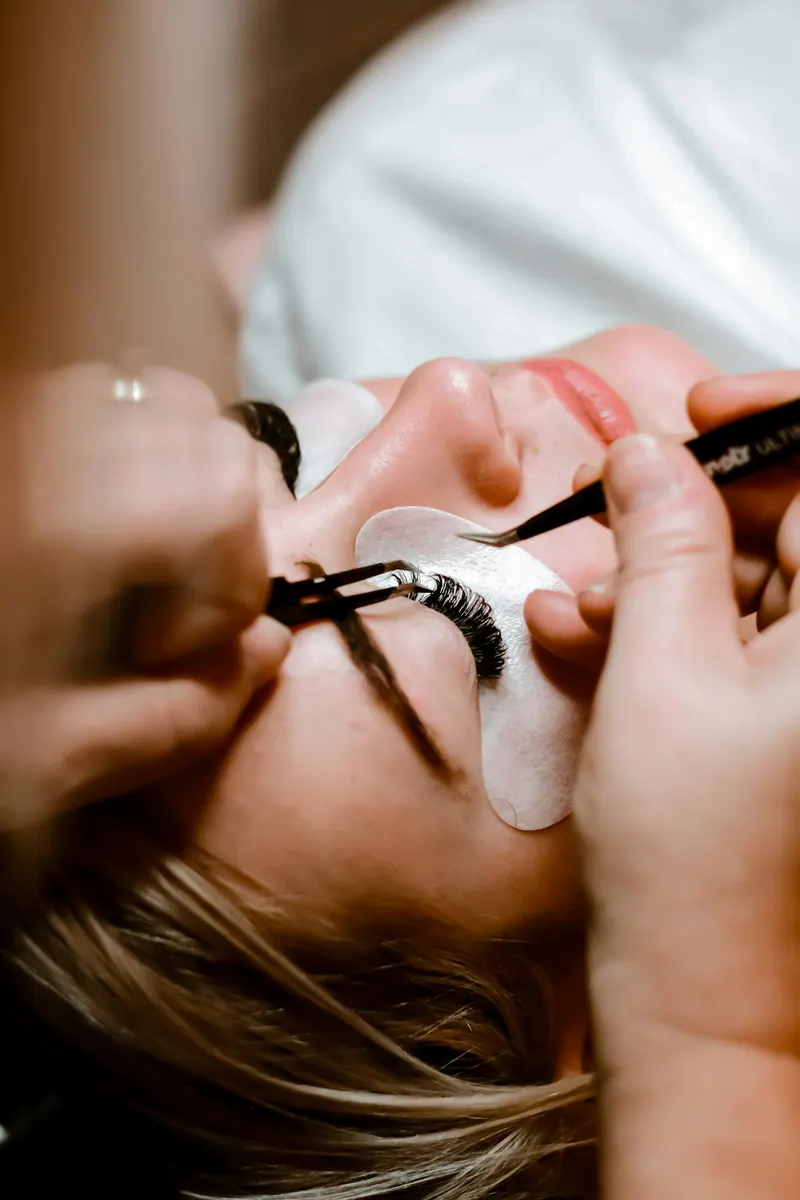

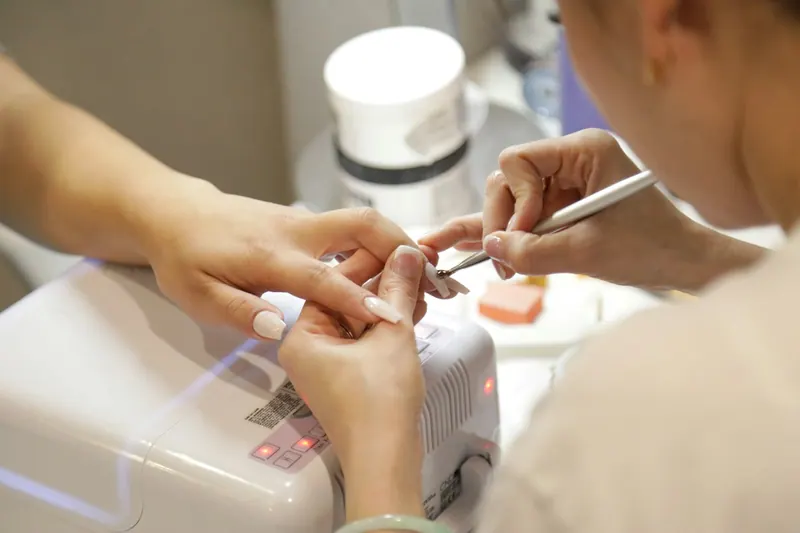

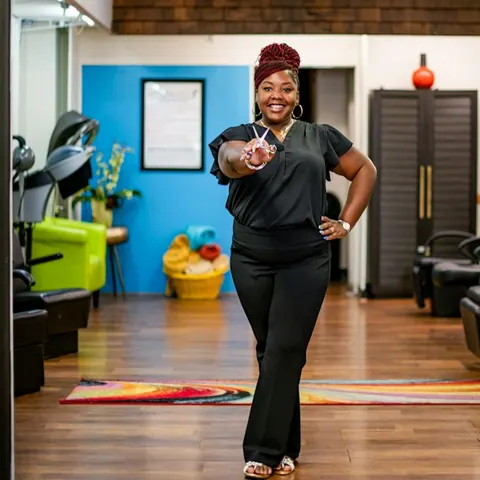
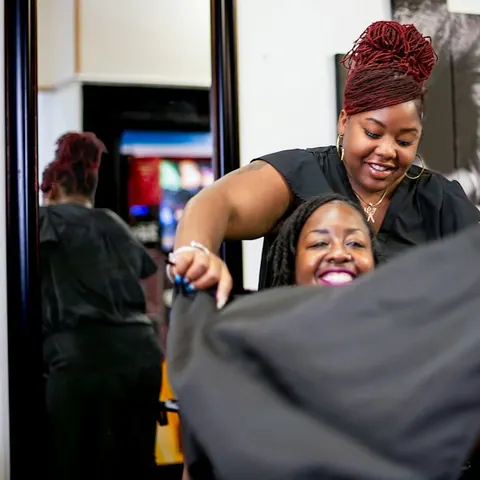
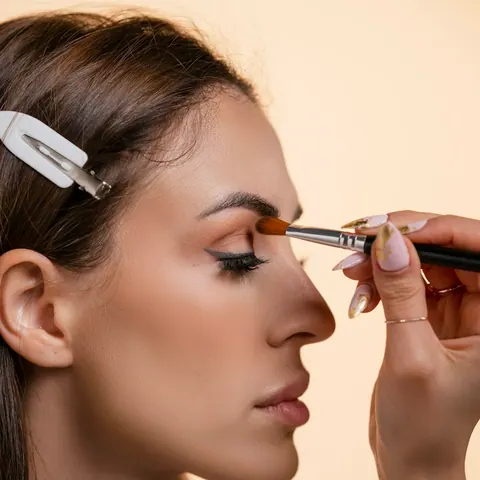
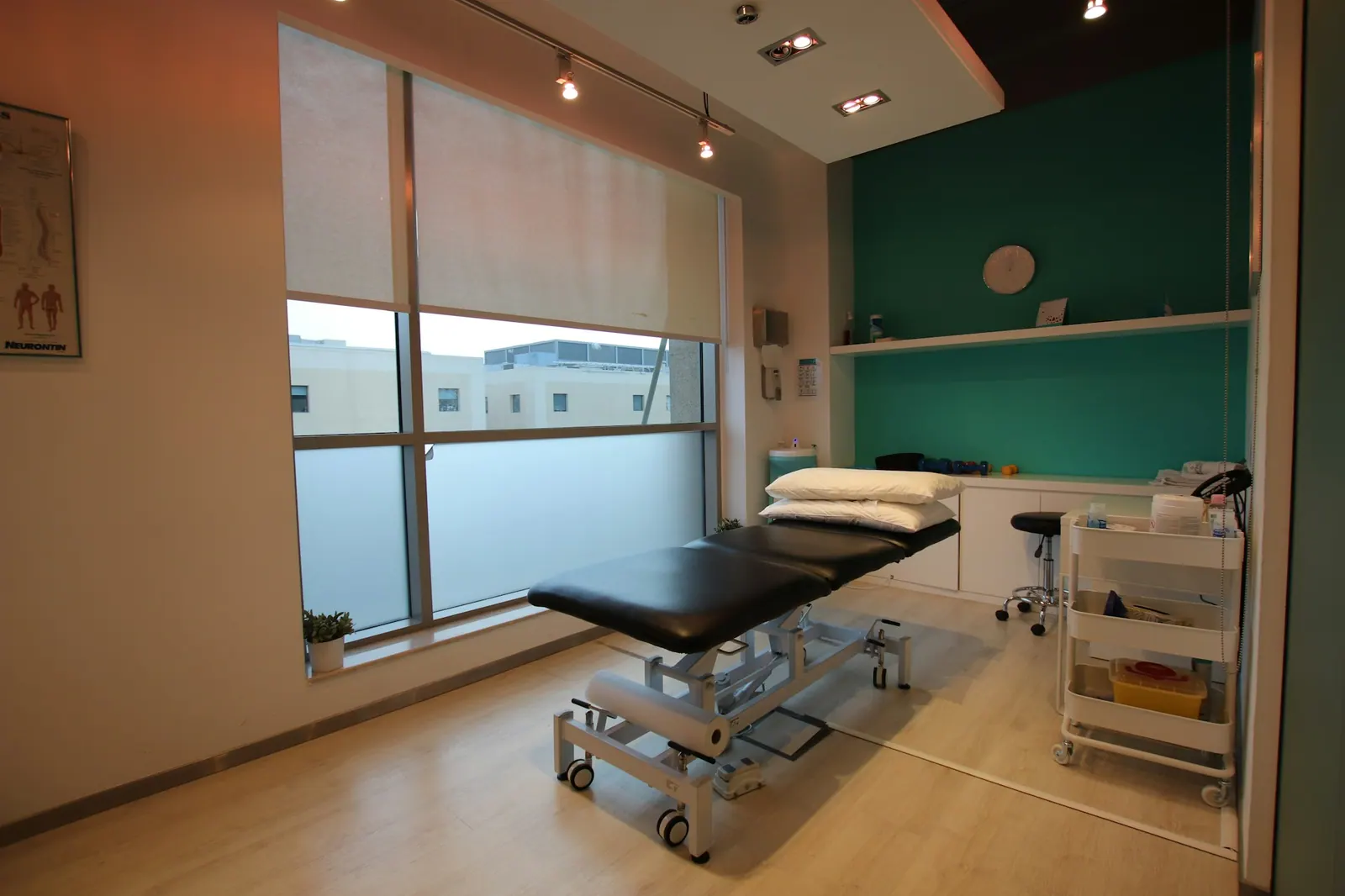
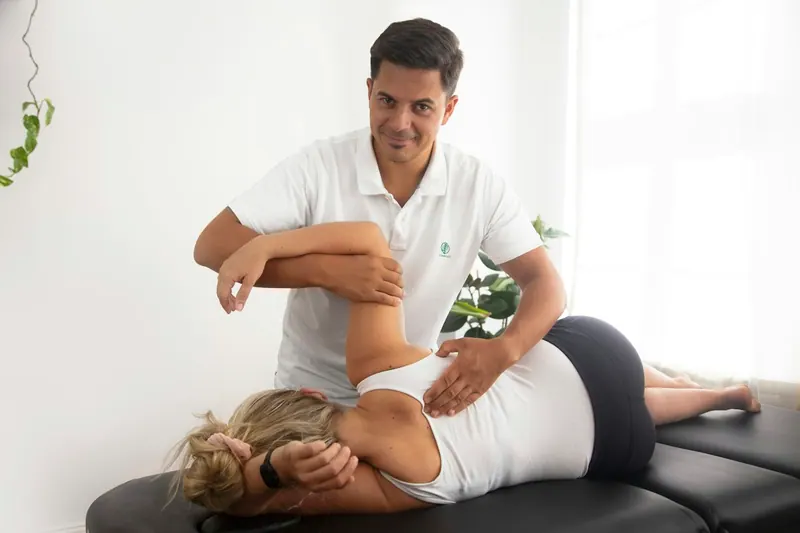
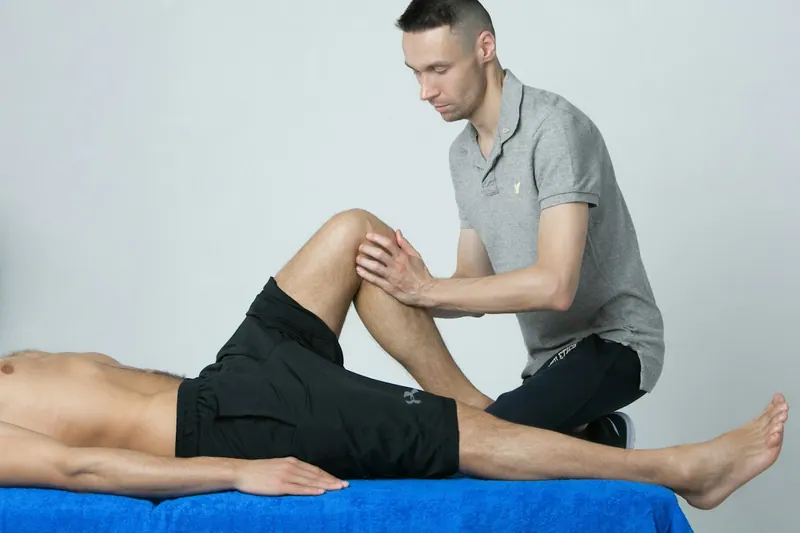

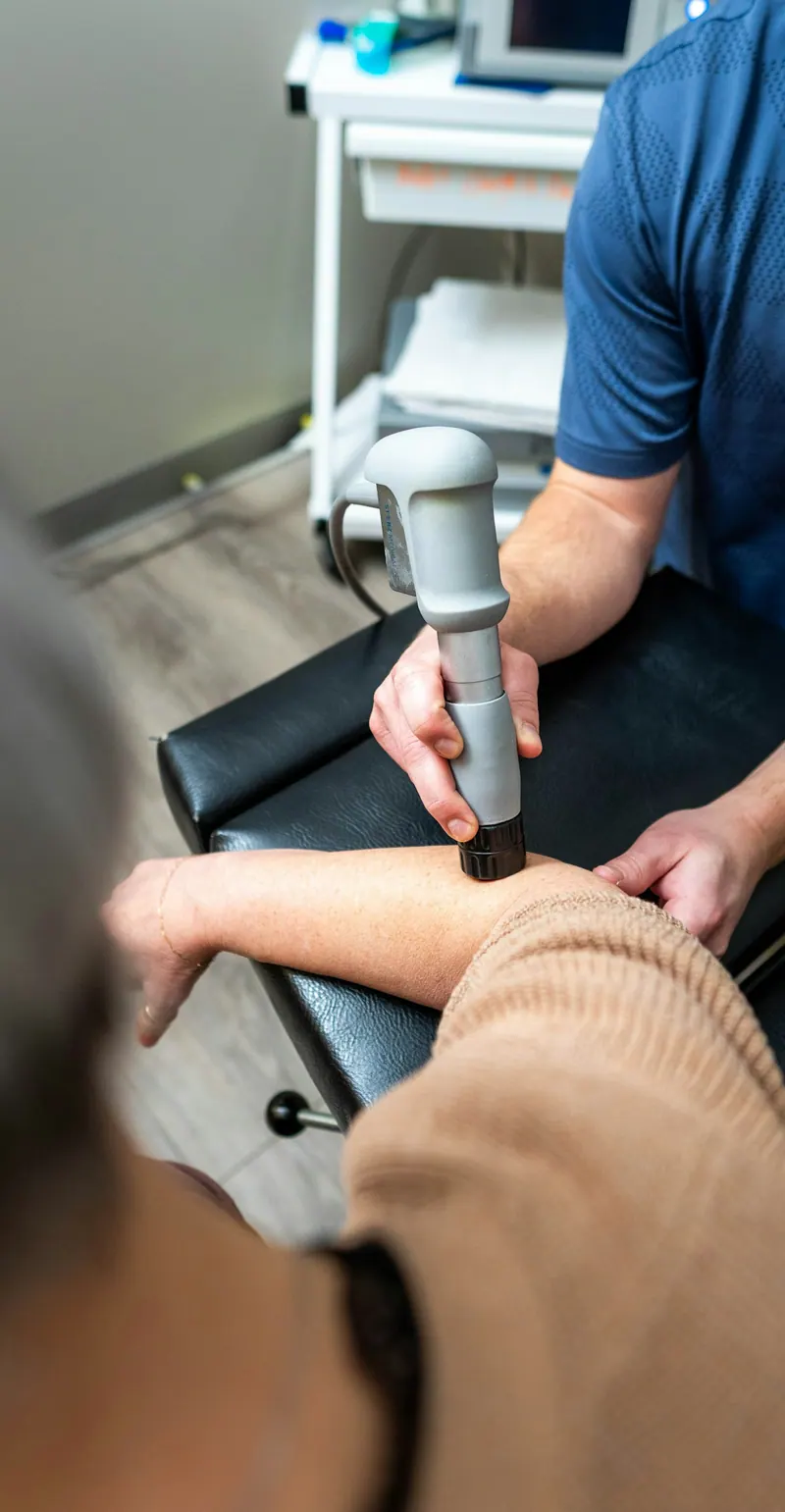




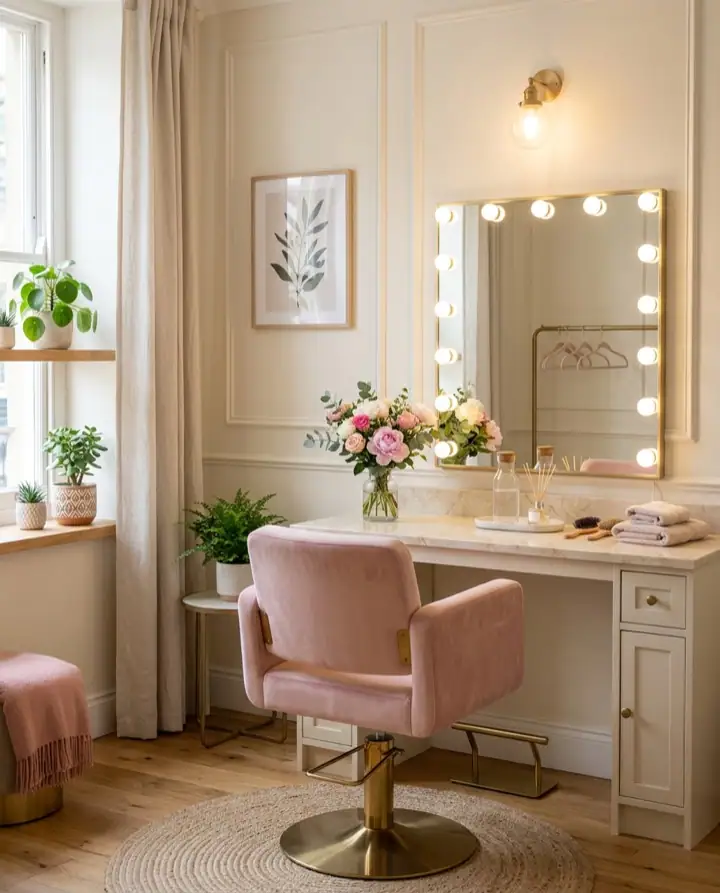

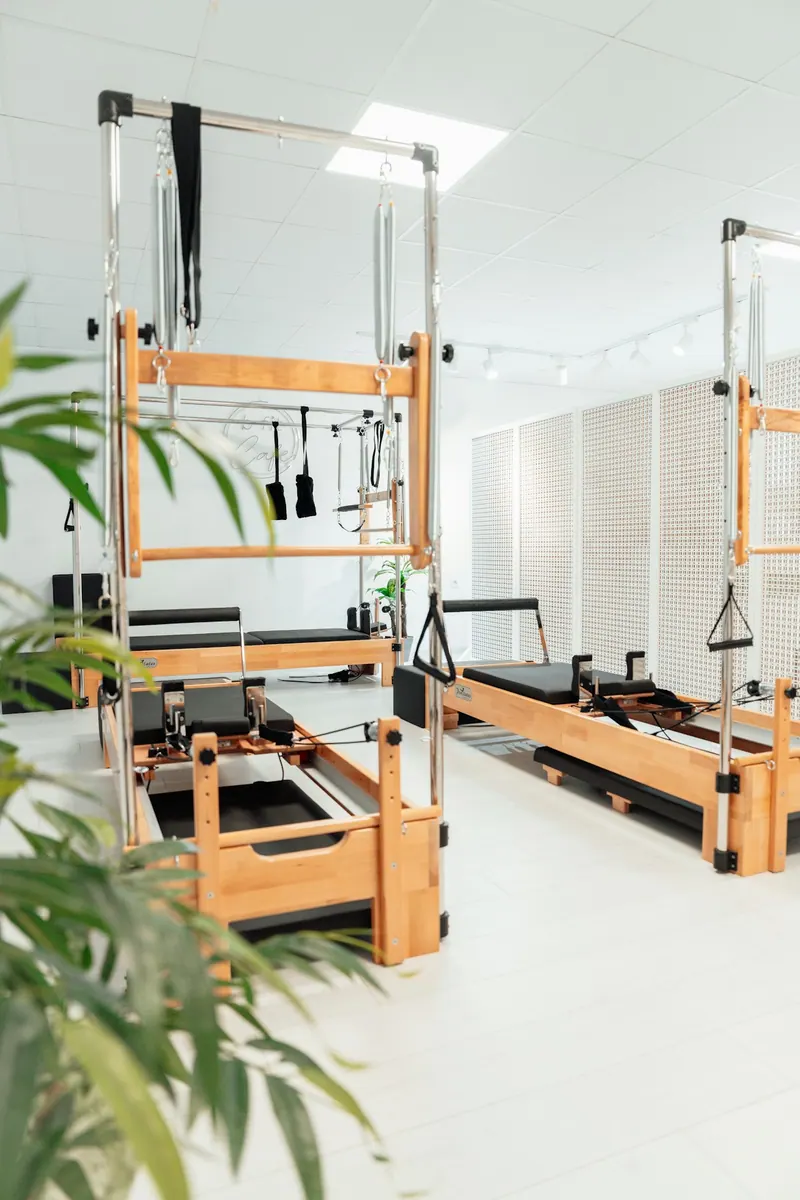
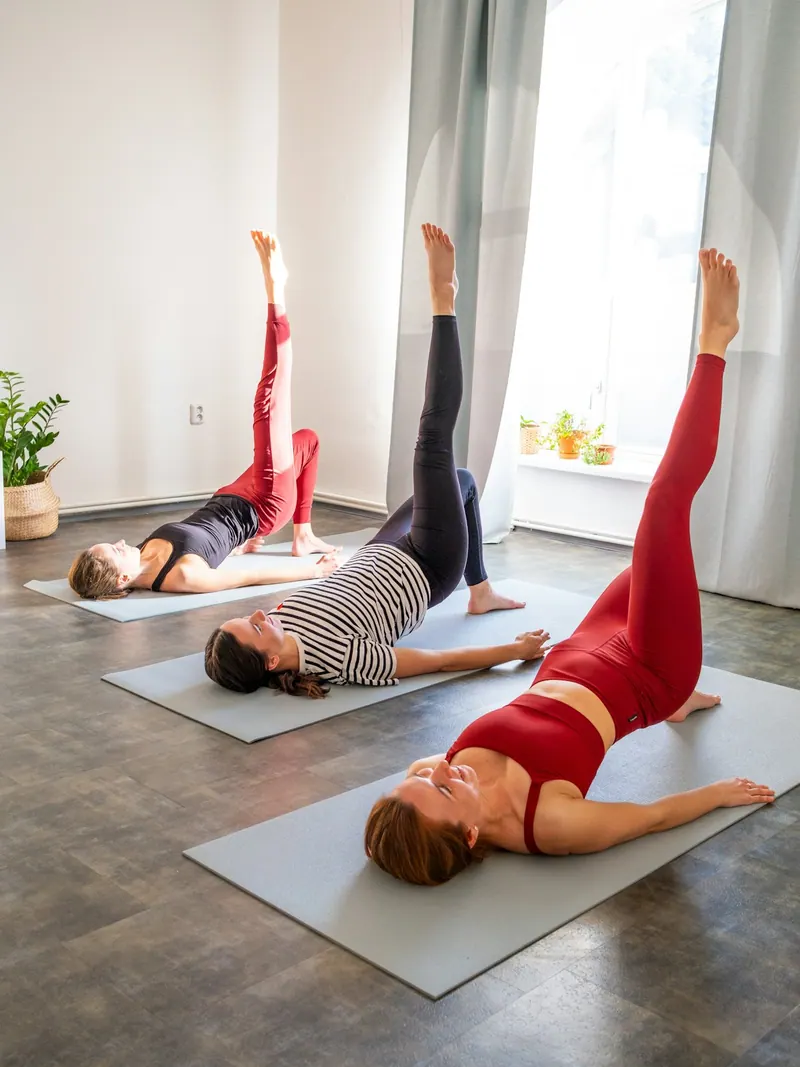

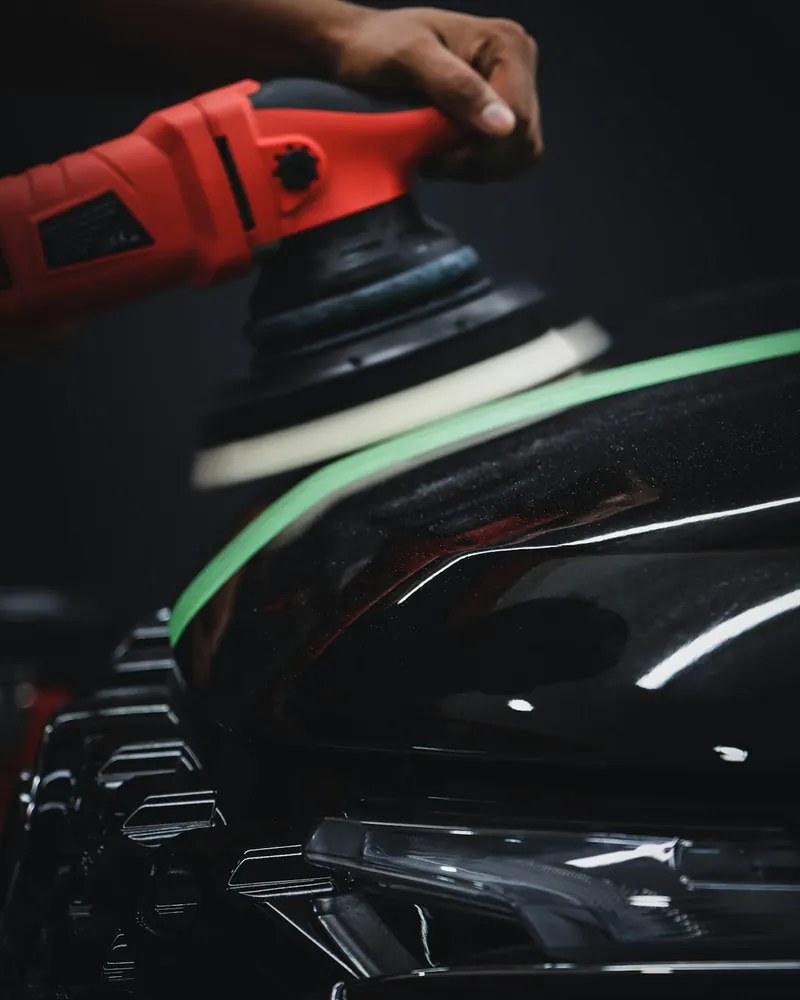

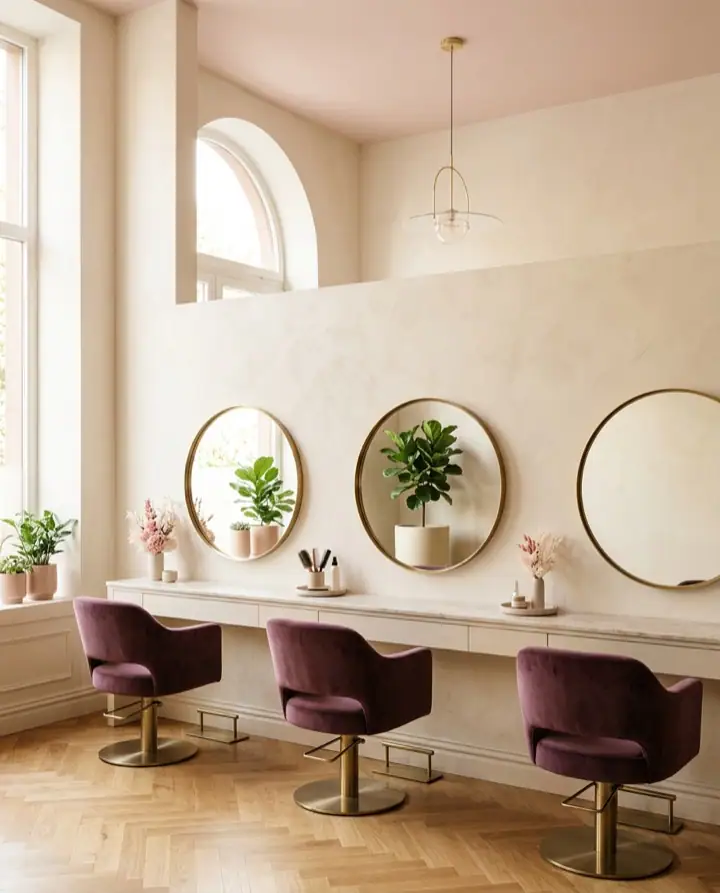
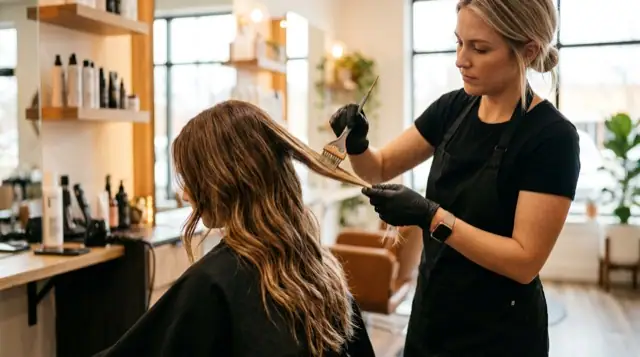
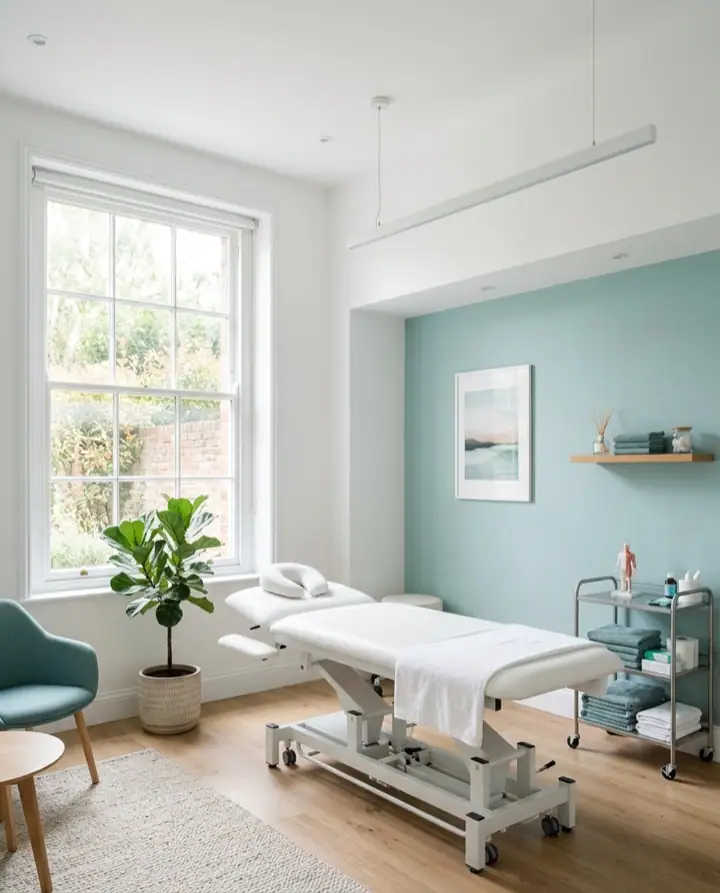
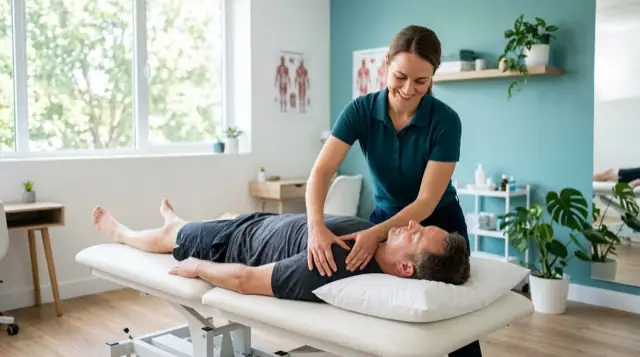
Photos
Show your space, your work and your people.
For barbers, salons, studios, gyms and clinics
Build a booking page in your name and colours, or a full website with booking. Try it free for 14 days.
No credit card. Or see three live examples first, no sign up.
14
days of free trial
8
steps to set up your page
2
languages: Greek and English
12
looks to choose from
For every trade
Switch trade and the preview changes. Every example is a fictional business with its own colours.
Barbershops
The customer picks a cut, a barber and a time from their phone. You see the day's schedule and keep working.
Start with a booking page and add a website later.
Your customers book when it suits them. You stay with your work and the person in front of you.
Two ways to start
On both, customers book from their phone. Start with what you need today and switch later.
A page with your name, services, team and free times. Share the link on Instagram or put a QR code on your door.
For businesses that already have a website, or only need bookings.
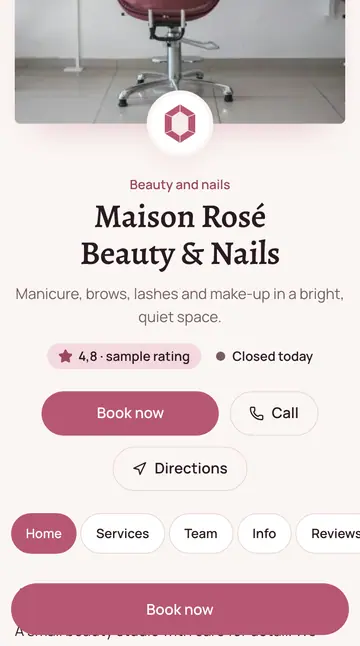
Customers see your name, your logo and your colours. Try a colour on the phones next to this.
Upload a logo, a cover and photos: they show on every screen.
Pick a palette or set your own colours. The text always stays readable.
Opens from one link, with nothing to install, and fits every screen.
One message at the top, for offers or changes to your hours.
The booking steps also show in English, for customers from abroad.
A second location with its own page, team and hours. Ask us.

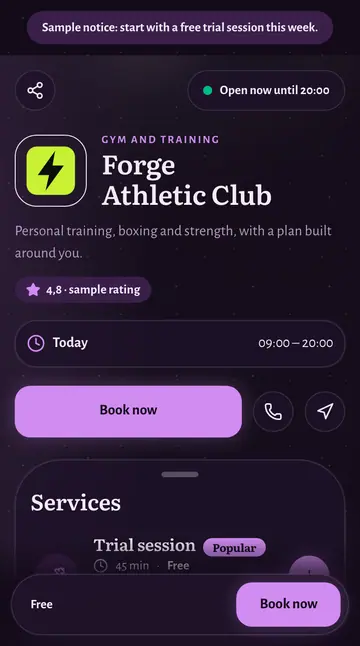
First session free
Personal training and group classes, with online booking.

Try a colour · Lime
Twelve looks
You choose a look for your page and only the colours, fonts, corners and buttons change. The services, the photos and the booking stay as you set them up.
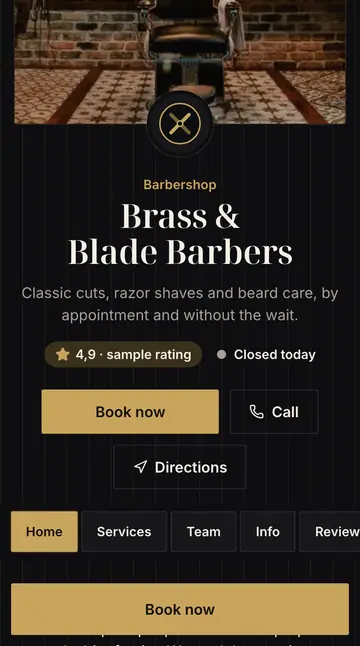
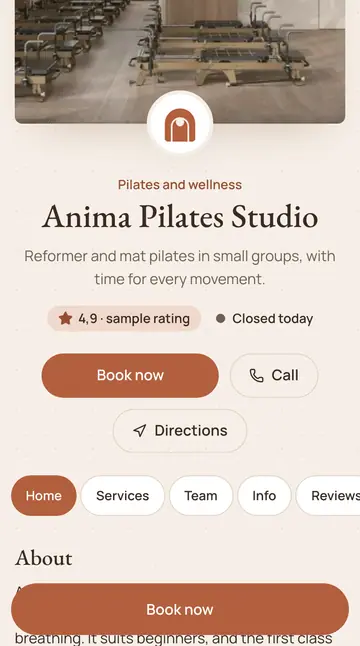
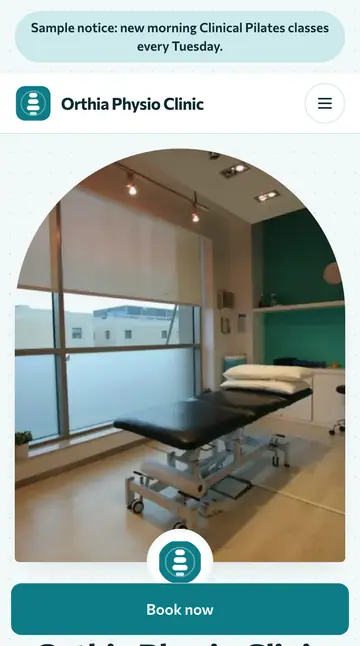
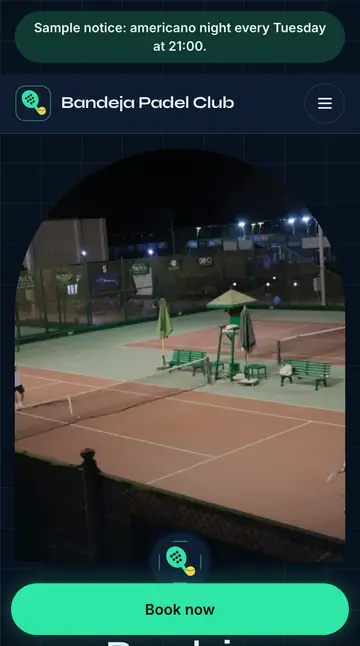
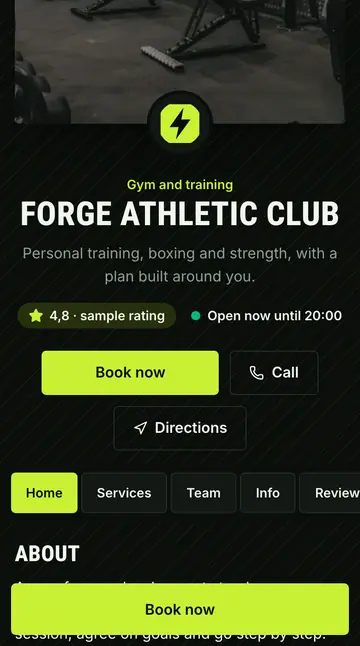
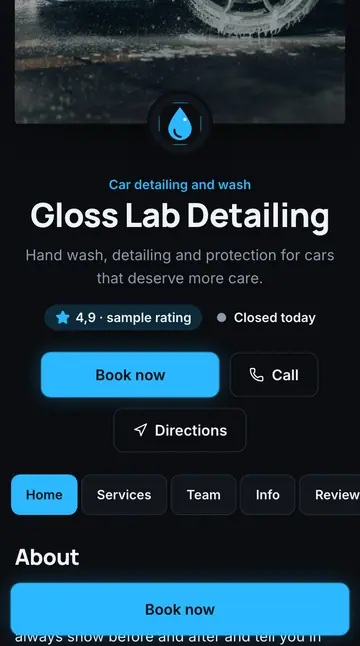
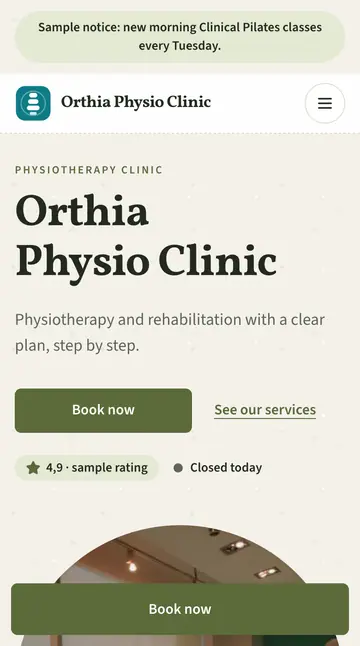
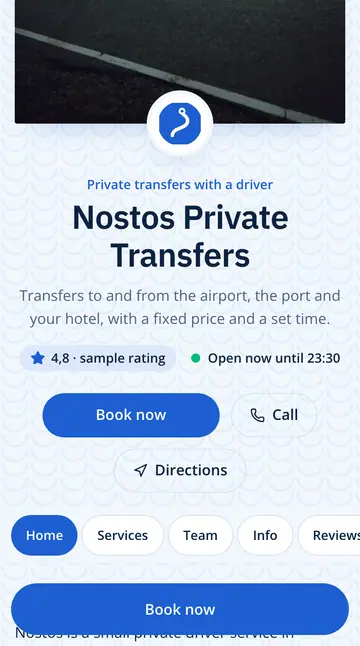
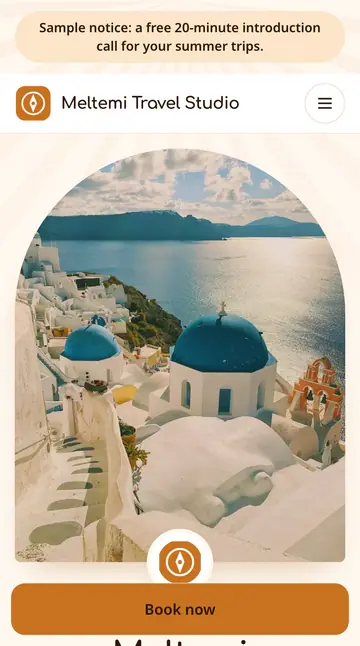
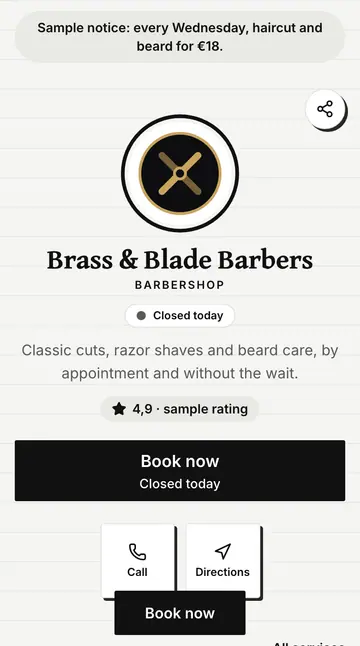
Each picture shows a fictional business, made for the example. Three businesses appear twice, in a different page layout. In the examples you can try any look and any layout, with any kind of business.
What is included
What a booking page and a website need, in one place.
Customers see your business, not ours.
Small details that make the page feel finished.
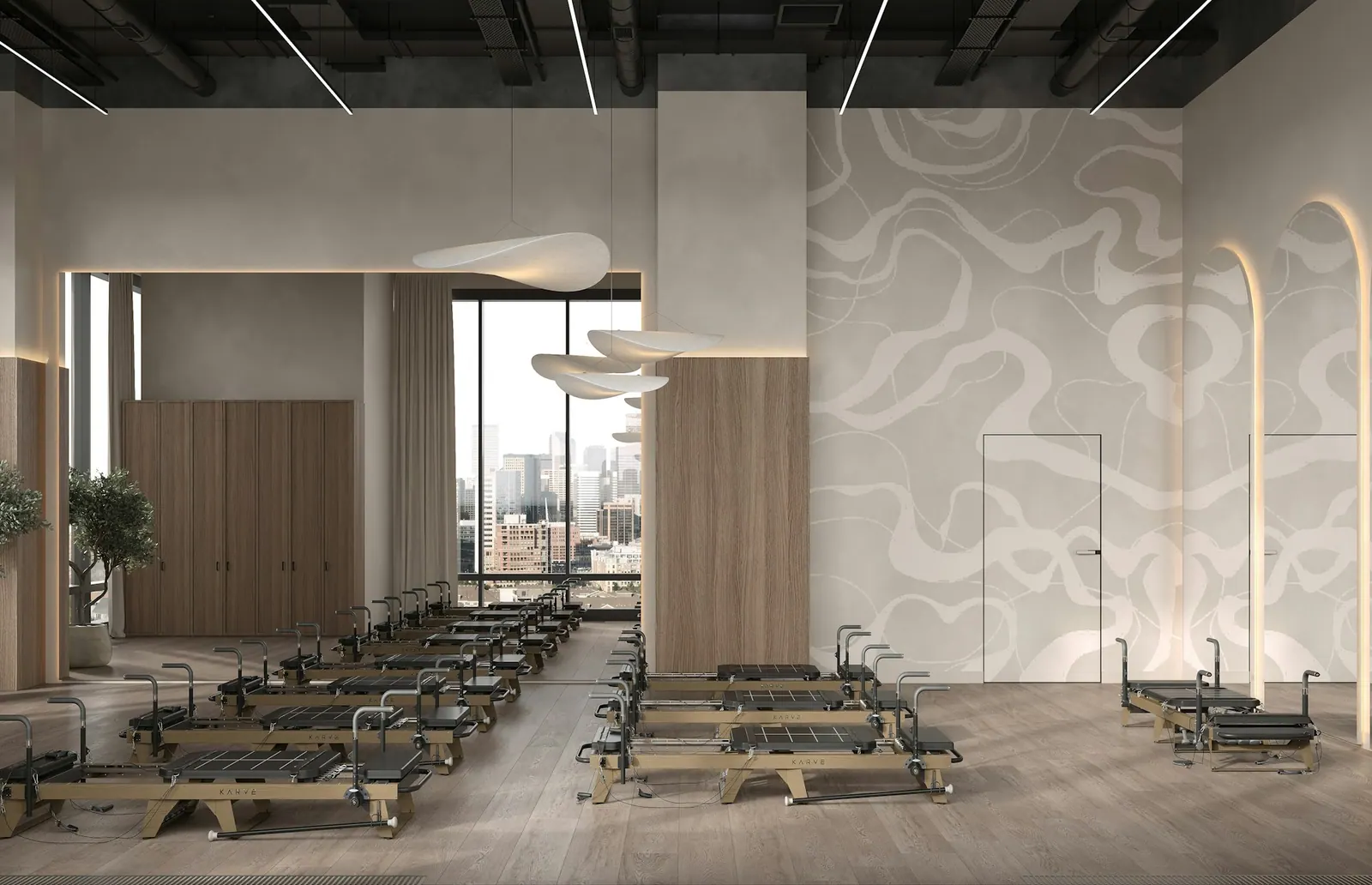
Show your space, your work and your people.
Let your customers speak for you.
Open now, or when you open next.
One tap and the customer calls you from the page.
Set the price to Free for new customers.
Booked times look crossed out and free ones can be picked.
Introduce customers to the people they will meet.
A clear summary the moment they book.
Calendar and team
A day view with a column for every person or place, and the tools that keep it accurate.
Tue 21
Elena
09:3011:00LunchNikos
Pending12:15Room A
LeaveChairs, rooms or courts each get their own column, with bookings placed to the minute.
Weekly hours for each person, days off and closed days. Customers only see times that are really free.
Let more than one customer book the same time with the same person or place. Group classes already have places and a waitlist.
Give staff or outside partners their own login, even one that shows only their own calendar.
Add a booking for a phone call, or block an hour for lunch, in a few taps.
Every Monday at 10:00 books itself, week after week, until you stop it.
Add your bookings to Google, Apple or Outlook calendar. Customers get a file for their own calendar. Two way sync with Google is coming soon.
Switch it on and each new booking waits for your OK, holding the time in the meantime.
Payments and packages
Take card payments, ask for a deposit and sell packages. The money goes to your own account through Stripe.
Customers pay by card on Stripe's secure page. Sitebook never sees card details.
Ask for a percentage or a fixed amount. The time is held while the customer pays and released if they do not finish.
Sell session packages, monthly memberships and gift vouchers. Customers see what they have left and book with one session.
Set until when cancelling is free. The refund and the session that goes back happen on their own.
Stripe applies its own transaction fees. All of it is optional: any service you do not change is paid at the venue, as always.
How it works
Both come with online booking. You set them up yourself in eight steps, free for 14 days.
Free for 14 days · no credit card
BOOKING PAGE
Pick a template, add your services and hours, add your colours and share the link.
Tell us what kind of business you run and choose a look. You see the page change as you go.
Prices, durations, opening hours and who does what. Group classes get places and a waitlist.
Put it on Instagram, on Google or on a QR code. Customers can start booking straight away.
WEBSITE WITH BOOKING
The same guided steps, with pages for home, services, photos, team, reviews and contact.
Choose a layout, then a palette, fonts, logo and cover photo.
Services, team, photos and the reviews you choose to show. Every page has a booking button.
Your website opens at a short address you choose, with a QR code ready to print.
Pricing
Choose a plan, or tell us what you need.
With yearly billing the monthly price is lower. Prices include VAT.
A page in your name that takes bookings.
€24/ month
Billed monthly
A full website with booking inside.
€49/ month
Billed monthly
For several locations or special needs.
Let's talk
Give a second location its own page, team and times.
+€12/ monthper extra location
Ask usFAQ
Short, honest answers. If yours is missing, send us a message.
Sitebook builds a booking page or a website with booking for businesses that work by appointment: barbershops, hair and beauty salons, gyms, Pilates studios, clinics, courts, garages and car washes. Your customers book a time on their own, without calling.
Prices are in the Pricing section of this page, and they include VAT. The trial is free for 14 days and we do not ask for a credit card. If you need something different, write to us.
You are not charged during the free trial: we do not ask for a card until you choose a plan. If you choose a plan while the trial is still running, you add a card then, and the first charge is on the day the trial would have ended, so no free days are lost. You pay by card through Stripe and can cancel at any time. If you do not choose a plan, the dashboard becomes read only and your page is paused. Your data stays, and you can export it any time.
No. Start with a booking page and, whenever you like, switch to a website with photos, team and reviews.
No. They book with a name and a phone number. They do not create a password or download an app.
Setup has eight guided steps: type of business, details and hours, template, colours, services, address and publishing. The time depends on how many services you have. You can stop and continue later, because your changes are saved automatically.
Every business gets a short address that you choose, for example sitebook.gr/b/your-name. Your own domain, such as www.yourname.gr, is coming soon.
Not yet. Automatic reminders by email, SMS and WhatsApp are coming soon. For now, customers can add the appointment to their calendar as soon as they book.
For now the customer contacts you, and you cancel or change the booking from the dashboard. If you want to approve every booking before it is confirmed, there is a setting for that.
Not yet. Card payments are coming soon. Until then customers pay as they always have, at your shop.
Your customers' details are visible only in your own account. We ask customers for just a name and a phone number, with clear consent. You can export or delete your data any time, from the settings.
Both. Every page exists in Greek and in English and opens smoothly on a phone. The dashboard also works from your phone.
Create an account and start the free trial. If you would rather talk first, send us a message.